

- Adding the DeepWiki MCP server to your organization’s MCP Registry
- Getting your MCP connection URL from your workspace
- Using the URL in Claude (Desktop / Code) via MCP configuration
Who does what: MCP integrations can be added by org admin and members. The MCP server can be used by workspace admin, manager, and members.
1) Add DeepWiki to MCP Registry
1
Open MCP Registry
Go to MCP Registry in your org settings, then click Add Server.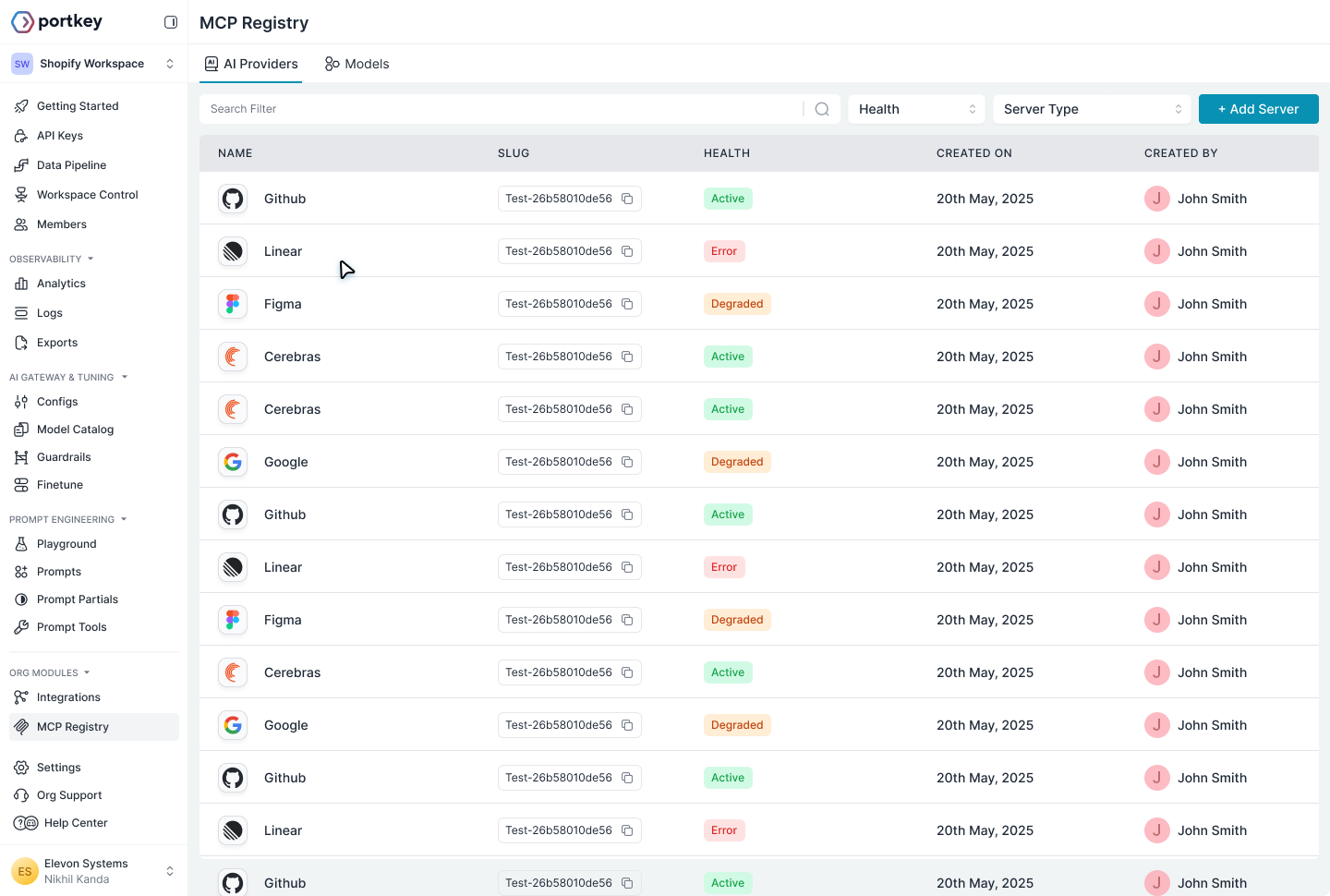
2
Fill in the server details
Enter the following:
The form includes Workspace Provisioning settings. Select the workspace(s) that should have access to this MCP server.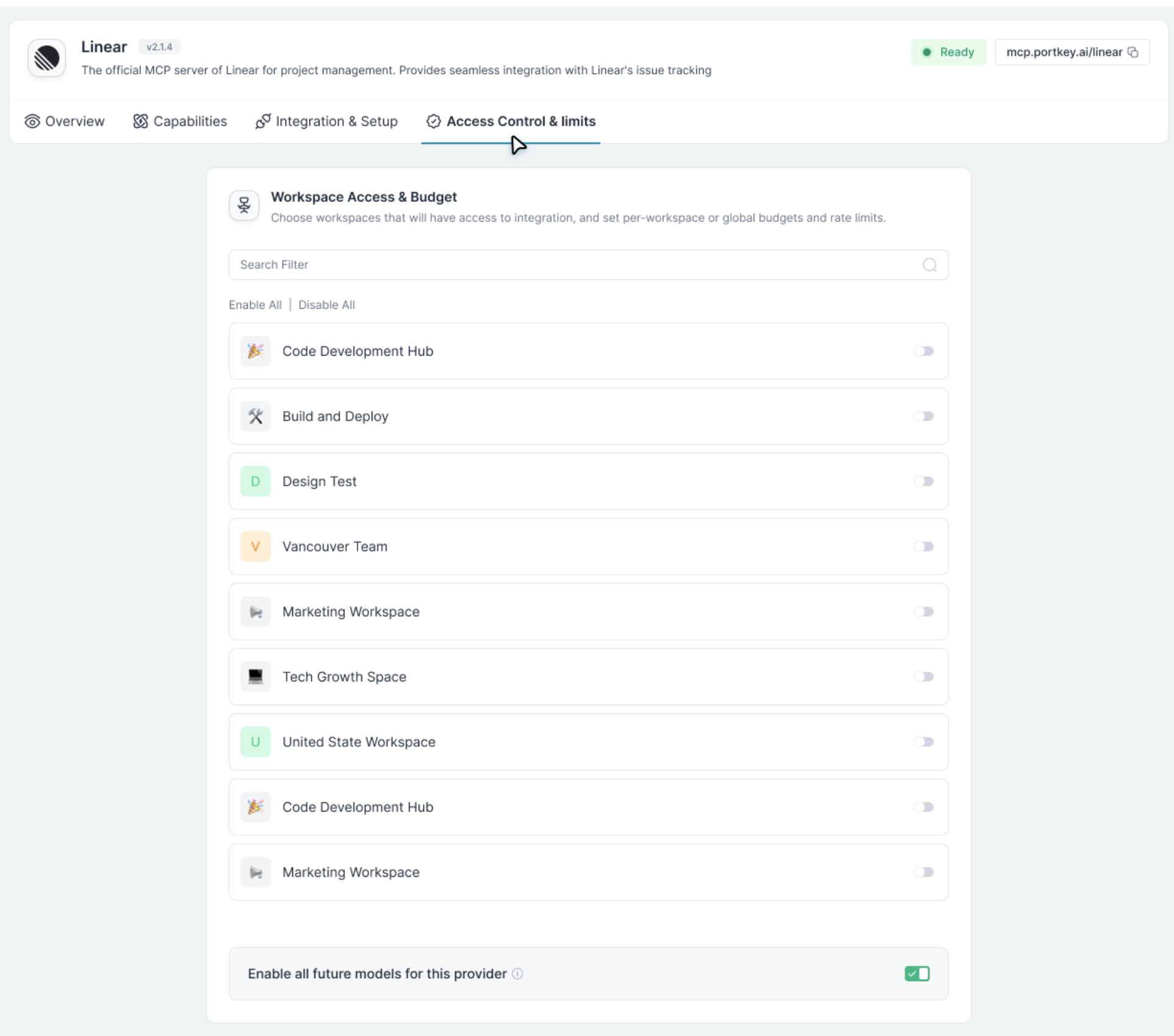
| Field | Value |
|---|---|
| Name | deepwiki-test-mcp-server |
| Short Description | A short note about the MCP Integration |
| URL | https://mcp.deepwiki.com/mcp |
| Slug | deepwiki-test-mcp-server |
| Server Type | Http |
| Auth Type | None |
DeepWiki is a public MCP server that doesn’t require authentication, so set Auth Type to
None. Learn more about DeepWiki MCP.3
Test & save
Click Test Connection, then Add Server.
2) Get Your Connection URL
Once enabled, go to the MCP page in your workspace sidebar and copy the DeepWiki connection URL.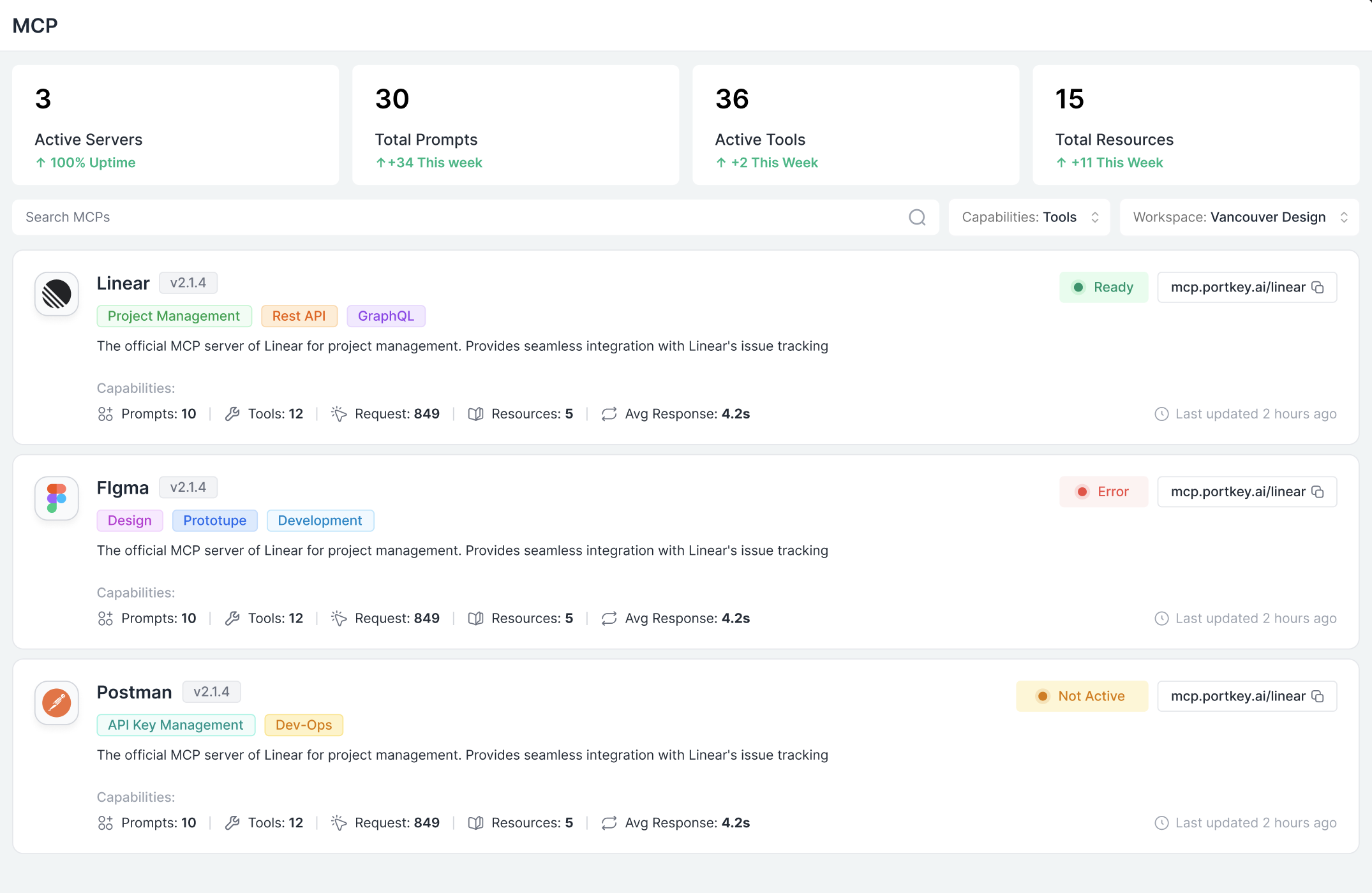
3) Use the URL in Claude (Desktop / Code)
Add a new MCP server that points to the Portkey URL. You have two authentication options:- OAuth (Recommended)
- API Key
The simplest setup—just the URL, no credentials to manage:On first use, Claude will prompt you to authenticate with Portkey via OAuth 2.1. After you log in, your session is stored and refreshed automatically.
Best for: Interactive use in Claude Desktop, Cursor, or VS Code. No API keys to create, rotate, or accidentally leak.
Even though DeepWiki doesn’t require authentication to the upstream server, you still need to authenticate with Portkey (via OAuth or API key) to access the server through the gateway.
Next Steps
Add MCP Servers
Add internal and external MCP servers, configure authentication, and control access.
Using MCP Servers
Connect MCP clients like Cursor, VS Code, Claude Desktop, or build your own integration.
Team Provisioning
Control which teams and users can access which MCP servers and tools.
Observability
Monitor and debug MCP tool calls with full context and logs.